
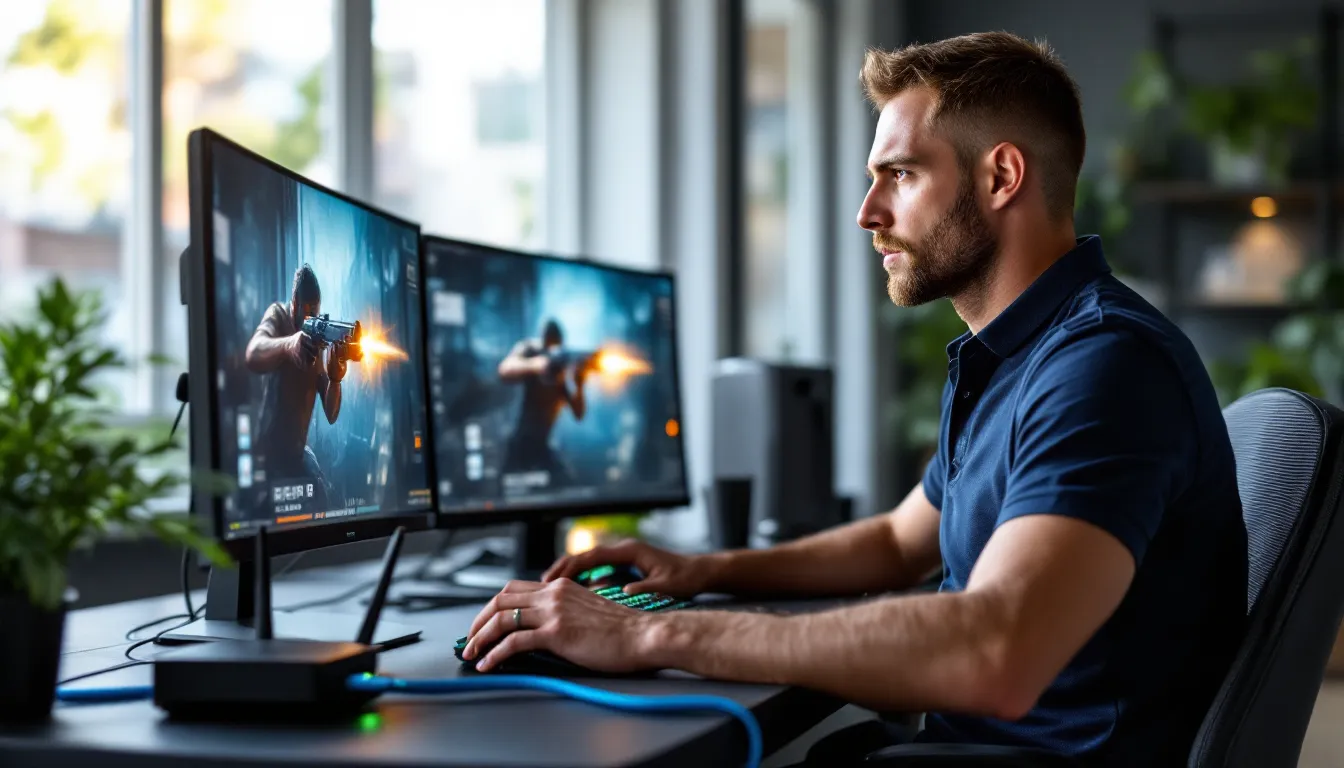
When you’re mid-clutch in a ranked match and your screen freezes, the culprit isn’t always your reflexes or the servers. It’s often your connection. While most gamers obsess over GPUs, refresh rates, and mechanical keyboards, the humble ethernet cable sitting behind their desk can make or break competitive performance. A solid wired connection cuts latency, eliminates packet loss, and gives you the split-second advantage that separates a win from a frustrating loss.
But here’s the thing: not all ethernet cables are created equal. With categories ranging from Cat5e to Cat8, shielded and unshielded variants, and marketing claims that promise “ultra-speed gaming performance,” it’s easy to get lost in the noise. This guide breaks down exactly what matters for gaming, which cables deliver the fastest performance, and how to set up your connection for zero-lag gameplay in 2026.
Key Takeaways
- An ethernet cable for gaming provides stable, low-latency connections that eliminate packet loss and deliver the split-second performance advantage needed in competitive play.
- Cat6 is the ideal choice for most gamers, offering 10Gbps speeds at shorter distances while supporting multi-gig internet plans at an affordable price point.
- Proper ethernet cable installation—avoiding sharp bends, routing away from power lines, and choosing appropriate shielding—prevents interference and physical damage that degrades performance.
- Stable ping beats fast-but-inconsistent Wi-Fi every time; wired connections eliminate signal degradation and bandwidth sharing that plague wireless gaming.
- Cat5e works for budget setups and short runs, while Cat6a suits long-distance installations or future-proofing, but Cat8 is overkill for residential gaming.
Why Ethernet Matters for Gaming Performance
Latency and Ping: The Hidden Impact on Competitive Play
Ping isn’t just a number in the corner of your screen, it’s the difference between landing a headshot and watching the killcam in disbelief. Latency measures the round-trip time it takes for data to travel from your device to the game server and back. Even a 10ms difference can impact your ability to peek corners, react to enemy movement, or execute frame-perfect combos in fighting games.
Wi-Fi introduces variable latency due to signal interference, network congestion, and physical obstacles. Ethernet cables eliminate these variables by providing a direct, stable path for data transmission. In competitive shooters like Valorant or Counter-Strike 2, where server tick rates demand precision, that consistency matters more than raw download speed.
The fastest ethernet cable for gaming won’t magically drop your ping from 50ms to 5ms if you’re geographically far from servers, but it will ensure your connection doesn’t spike unpredictably during crucial moments. Stable ping beats fast-but-inconsistent Wi-Fi every time.
Stability vs. Wi-Fi: Why Wired Connections Win
Wi-Fi has come a long way with Wi-Fi 6E and Wi-Fi 7, but physics still works against it. Wireless signals degrade through walls, compete with neighboring networks, and fluctuate based on device load and environmental factors. You might see 300Mbps on a speed test one minute and 80Mbps the next when your roommate starts streaming.
Ethernet delivers consistent throughput regardless of what’s happening around you. There’s no signal degradation, no interference from microwaves or Bluetooth devices, and no bandwidth sharing with other wireless clients on your network. Packet loss, the silent killer of online gaming, drops to near-zero with a quality wired connection.
For competitive players, streamers running dual-PC setups, or anyone hosting local LAN parties, ethernet isn’t optional. It’s the foundation of a reliable gaming experience that doesn’t introduce variables you can’t control.
Understanding Ethernet Cable Categories
Cat5e: The Budget-Friendly Baseline
Cat5e (Category 5 enhanced) supports speeds up to 1Gbps (1000Mbps) at distances up to 100 meters. For most residential internet connections, which top out around 1Gbps even on premium fiber plans, Cat5e handles the job without breaking a sweat.
The downside? Cat5e has minimal shielding and can be more susceptible to crosstalk (signal interference between wire pairs) in environments with lots of electrical noise. If you’re gaming in a clean home setup without server racks or industrial equipment nearby, it’s perfectly adequate.
Cat5e remains popular because it’s cheap, widely available, and meets the needs of casual to mid-tier competitive gamers. Just don’t expect future-proofing beyond current-gen hardware.
Cat6: The Sweet Spot for Most Gamers
Cat6 cables bump the spec to 10Gbps at shorter distances (up to 55 meters) and 1Gbps at the full 100-meter range. They feature tighter twisting of wire pairs and better internal shielding, which reduces crosstalk and improves signal integrity.
For gaming in 2026, Cat6 hits the sweet spot. It supports multi-gig internet plans (2.5Gbps, 5Gbps) that are becoming more common, handles high-bandwidth local network traffic (like game downloads from a NAS), and costs only marginally more than Cat5e.
If you’re building a new setup or upgrading your network, Cat6 is the safe, sensible choice that won’t bottleneck your connection now or in the next few years.
Cat6a and Cat7: Overkill or Future-Proofing?
Cat6a (augmented) supports 10Gbps at the full 100-meter distance and includes heavier shielding to eliminate alien crosstalk (interference from external sources). Cat7 pushes this further with even stricter shielding requirements and support for frequencies up to 600MHz.
For most home gaming setups, these are overkill. Unless you’re running a 10Gbps home network, streaming 8K footage, or operating a small server farm, the extra cost and cable stiffness (due to heavy shielding) don’t translate to real-world gaming benefits.
That said, if you’re installing cables inside walls or under floors and want true future-proofing for the next decade, Cat6a makes sense. Cat7, but, faces adoption issues, it uses non-standard connectors (GG45 or TERA) and isn’t widely supported by consumer networking gear.
Cat8: When Maximum Speed Is Required
Cat8 is the newest standard, rated for 25-40Gbps over short distances (up to 30 meters). It’s designed for data centers and enterprise environments where maximum throughput and minimal latency are mission-critical.
For gaming? It’s absolute overkill. No consumer router, gaming PC NIC, or console supports speeds anywhere near Cat8’s ceiling. The cable itself is thick, expensive, and typically unnecessary unless you’re connecting high-performance networking hardware in a professional or prosumer environment.
If someone’s selling you Cat8 as the “ultimate gaming cable,” they’re either misinformed or banking on marketing hype. Stick with Cat6 or Cat6a for residential gaming.
How to Choose the Right Ethernet Cable for Your Setup
Cable Length and Signal Quality Considerations
Ethernet specs allow for 100 meters (328 feet) of cable before signal degradation becomes an issue, but that doesn’t mean you should buy a 100-meter cable for a 10-foot run. Excess cable length introduces unnecessary resistance and potential for interference.
Measure the actual distance between your router and gaming device, then add 10-20% for routing around furniture or along walls. If you need a 15-foot run, a 20-foot cable gives you flexibility without introducing slack that creates clutter or trip hazards.
For runs longer than 50 meters, consider upgrading to Cat6a or using a network switch as an intermediary to boost signal integrity. Longer cables also benefit from shielded variants (STP) to reduce electromagnetic interference over distance.
Shielded vs. Unshielded: Do You Need Extra Protection?
Unshielded Twisted Pair (UTP) cables are lighter, more flexible, and cheaper. They work perfectly in most home environments where electrical interference is minimal.
Shielded Twisted Pair (STP) cables include a foil or braided shield around the wire pairs to block external interference. They’re useful in setups near power cables, fluorescent lighting, or dense equipment racks. Understanding cable shielding benefits can help avoid frustrating connectivity drops in electrically noisy environments.
For typical home gaming, UTP is fine. If you’re running cables through walls near electrical wiring or live in an apartment with tons of wireless interference, STP provides extra peace of mind. Just know that shielded cables are stiffer and require grounded connectors to function properly.
Flat vs. Round Cables: Practical Differences
Flat cables are designed for aesthetics and ease of routing, they slip under carpets, along baseboards, or through tight spaces more easily than round cables. They’re also less prone to tangling.
The trade-off? Flat cables are more susceptible to interference and physical damage. The lack of space between wire pairs increases crosstalk, and stepping on a flat cable repeatedly can degrade performance faster than round cables with better internal structure.
Round cables offer better shielding, durability, and long-term reliability. They’re the standard for a reason.
Use flat cables for temporary setups or clean cable runs where interference isn’t a concern. For permanent installations or high-performance gaming, stick with round.
Installation Tips for Optimal Gaming Performance
Routing Your Cable Without Sacrificing Speed
How you run your cable matters as much as which cable you choose. Avoid sharp bends, ethernet cables should never be kinked or folded at angles sharper than the manufacturer’s minimum bend radius (usually around 4x the cable diameter). Kinks damage internal wires and degrade signal quality.
When routing along walls or through doorways, use cable clips or raceways to secure the line without crushing it. If you’re drilling holes for a wall pass-through, use grommets to protect the cable from abrasion.
Keep your cable away from power lines whenever possible. Running ethernet parallel to electrical wiring for long distances increases the risk of electromagnetic interference, especially with unshielded cables.
Avoiding Interference and Physical Damage
Physical damage is the most common cause of degraded ethernet performance. Rolling desk chairs over cables, pinching them in door frames, or letting pets chew on exposed sections will eventually cause connection issues.
If you’re running cables across high-traffic areas, use cable protectors or route them along walls. For permanent installations, consider in-wall-rated cables (CMP or CMR) that meet fire safety codes and resist degradation over time.
Interference from nearby electronics, routers, power strips, monitors, rarely causes catastrophic failures, but it can introduce jitter and latency spikes. Most modern networking tutorials recommend spacing ethernet cables at least a few inches from high-power devices when possible.
Testing and Troubleshooting Your Connection
How to Measure Real-World Speed and Latency
Once your cable is installed, verify performance before blaming lag on your ISP or game servers. Use a speed test tool like Ookla Speedtest or Fast.com to measure download and upload speeds, but don’t stop there, ping and jitter matter more for gaming.
Run a ping test to common game servers (use the in-game network stats or tools like PingPlotter) and watch for consistency. A stable 30ms ping is better than one that fluctuates between 20ms and 60ms. Jitter, variation in ping over time, should stay under 5ms for smooth gameplay.
If speeds are lower than expected, test directly from your modem (bypassing routers and switches) to isolate whether the issue is your cable, your network hardware, or your ISP.
Common Issues and Quick Fixes
Issue: Connection drops intermittently
Check cable connectors for bent pins or loose fits. Re-seat both ends and ensure the clips are engaged. If the problem persists, swap cables to rule out a defective unit.
Issue: Slower speeds than expected
Verify your router and device both support the speeds your cable is rated for. A Cat6 cable won’t deliver 10Gbps if your router only has 1Gbps ports. Check your network adapter settings (in Windows, disable “Green Ethernet” or power-saving modes that throttle speeds).
Issue: High ping or jitter
Make sure no one else on your network is saturating bandwidth (downloads, 4K streaming). Enable QoS (Quality of Service) on your router to prioritize gaming traffic. Test with all other devices disconnected to isolate the cause.
Issue: Cable won’t reach
Don’t daisy-chain ethernet cables with couplers, it introduces points of failure and signal loss. Buy a single, longer cable or use a quality network switch as an intermediary if you absolutely need to extend range.
Ethernet for Different Gaming Platforms
PC Gaming: Maximizing Your Rig’s Potential
Modern gaming PCs typically come with Gigabit (1Gbps) or 2.5Gbps NICs. High-end motherboards and add-in PCIe cards can support 10Gbps, but you’ll need a compatible router and internet plan to take advantage.
For most setups, a Cat6 cable paired with a quality router is all you need. If you’re running a dual-PC streaming setup or transferring large files over your local network (game backups, footage), consider upgrading to a 2.5Gbps or 10Gbps network switch and Cat6a cables.
Many gaming hardware reviews emphasize that ethernet performance is often limited by your router’s capabilities, not the cable itself. A Cat8 cable won’t help if your router only supports Gigabit speeds.
Console Gaming: PlayStation, Xbox, and Nintendo Switch
PlayStation 5 and **Xbox Series X
|
S** both support Gigabit ethernet, making Cat6 the ideal choice. The PS5’s network stack benefits noticeably from wired connections in games with high tick rates (like Call of Duty or Apex Legends).
Nintendo Switch also includes a Gigabit ethernet port (on the OLED model’s dock and via USB adapters for older models). While the Switch’s online infrastructure isn’t as demanding, a wired connection eliminates the Wi-Fi issues that plague Smash Ultimate or Splatoon 3 matches.
For all consoles, avoid ultra-cheap cables with poor build quality. Stick with reputable brands that meet TIA/EIA standards, and don’t pay extra for “gaming-branded” cables that offer zero performance benefit over standard Cat6.
Streaming and Content Creation Considerations
If you’re streaming gameplay to Twitch or YouTube while gaming, your upload bandwidth and connection stability become critical. Dropped frames and bitrate fluctuations ruin stream quality, and Wi-Fi’s variable performance makes it unreliable for professional or semi-pro creators.
A solid ethernet connection ensures your upload stream remains stable even under load. Pair it with a router that supports QoS to prioritize streaming traffic, and consider a dedicated upload line if you’re running multi-PC setups.
For content creators transferring 4K or 8K footage between local machines, upgrading to a 10Gbps local network (with Cat6a or Cat7 cables) can dramatically reduce transfer times. That’s not about internet speed, it’s about maximizing internal network throughput.
Top Ethernet Cables for Gamers in 2026
Best Overall Performance Cable
For most gamers, a Cat6 cable from a reputable manufacturer (like Cable Matters, Monoprice, or Amazon Basics) delivers the best balance of performance, price, and future-proofing. Look for:
- UL or ETL certification (ensures it meets industry standards)
- Snagless connectors (prevents the clip from breaking)
- 24AWG or 23AWG wire gauge (thicker wire = better signal over long distances)
A quality Cat6 cable supports multi-gig speeds, resists crosstalk, and costs only a few dollars more than inferior alternatives. It’s the fastest ethernet cable for gaming without overspending on specs you won’t use.
Best Budget Option
If you’re on a tight budget or only need a short run (under 10 feet), a Cat5e cable from a known brand still gets the job done. It’ll handle 1Gbps connections without issue and costs as little as $5-10 for common lengths.
Avoid ultra-cheap no-name cables on marketplaces, poor crimping, thin wire gauge, and missing twists inside the jacket can cause intermittent connection issues that are maddening to diagnose.
Best for Long-Distance Runs
For cable runs over 50 feet, especially through walls or across multiple rooms, go with Cat6a shielded (STP). The extra shielding prevents interference over distance, and the 10Gbps spec ensures you won’t need to replace it anytime soon.
Brands like Monoprice, Cable Matters, and Mediabridge offer in-wall-rated Cat6a cables with solid construction and lifetime warranties. Expect to pay $20-40 for a 100-foot spool, which is a small price for a permanent, reliable installation.
Conclusion
Choosing the right ethernet cable for gaming isn’t about chasing the highest Cat rating or the flashiest marketing claims. It’s about matching your cable to your actual network speeds, understanding the trade-offs between cost and future-proofing, and installing it properly to avoid interference and physical damage.
For the vast majority of gamers in 2026, Cat6 delivers everything you need, reliable Gigabit speeds, support for multi-gig internet plans, and enough headroom to handle local network traffic without breaking a sweat. If you’re running long distances or need true future-proofing, Cat6a is worth the modest upgrade. Anything beyond that? You’re paying for specs your hardware can’t use.
Set up your wired connection right, test it thoroughly, and enjoy the stable, low-latency gameplay that Wi-Fi just can’t match. The cable behind your desk might be the least sexy part of your setup, but it’s one of the most important.